
Start with the device. We’ll help with the fault.
A screen that stays black, a laptop that will not start, a console that keeps cutting out: tell us what you can see. Tech & Repairs can discuss the right assessment route.
Price, repair time and parts availability are confirmed for the specific job.
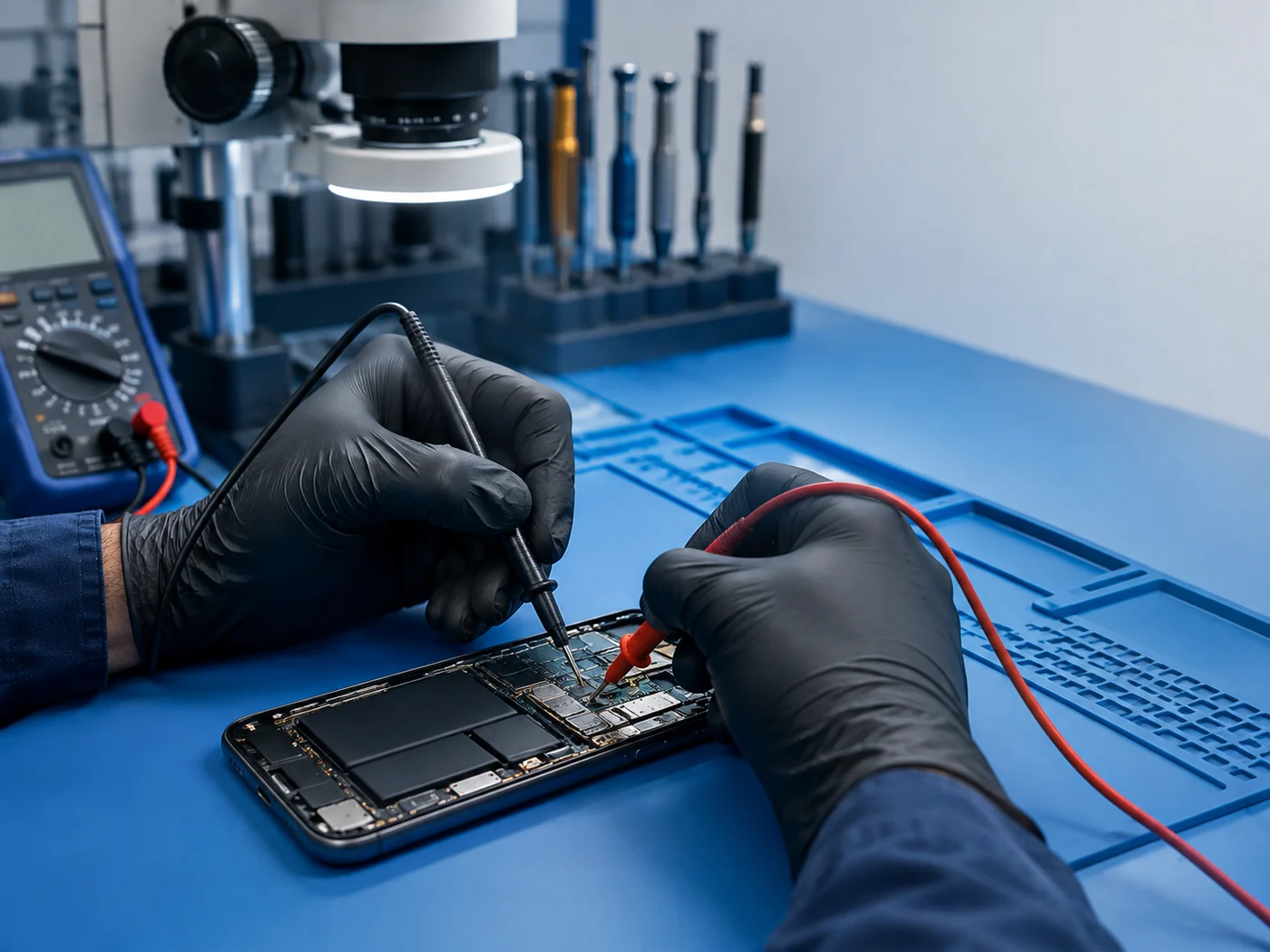
Which device has the problem?
Choose a category below. The request form has room for what you know and what you are unsure about.

Phone Repairs
From a cracked display to a phone that will not charge or connect.

Tablet Repairs
Help with a tablet that will not respond, power up or hold a charge.

Mac Repairs
MacBook or iMac trouble with startup, display, power or connection.

Laptop & Computer Repairs
A computer that will not start, runs hot or struggles with everyday tasks.

Game Console Repairs
Console picture, power, heat and controller problems to discuss.
Know the symptom, not the device category?
Screens, charging, water exposure and connection faults can affect more than one kind of device. Start with the issue you recognise.
Screen Repairs
A broken panel, blank image or touch that no longer responds.
Explore screen repairs →Water-Damage Repairs
Tell us what got wet and when; avoid turning the device back on.
Choose water-damage repair →Network Unlocking
Ask whether your phone and network are eligible for unlocking.
Ask about unlocking →Device Wi-Fi & Connectivity
A device that keeps dropping Wi-Fi or cannot pair with other tech.
Describe the connection fault →Take a more specific route.
Explore a phone brand, a common fault or information about visiting the Aberystwyth shop.
From your description to a decision.
Your online request gives the team a starting point. Diagnosis, options and any work are discussed with you separately.
- 1
Tell us the problem
Send the model, if known, and the behaviour that prompted the enquiry.
- 2
Workshop assessment
The workshop discusses the checks needed for that device.
- 3
Approve the repair
You decide whether to go ahead after the options are explained.
- 4
Repair and collection
The shop contacts you about the outcome and collection.
A few useful things to know.
You can start with a symptom, a device model or a question. The answers below explain what the request does and does not confirm.
Do I need to know the exact fault?
No. A plain description of what is happening is enough to open the conversation.
Will I receive a price or repair time online?
No fixed quote appears from the form alone. The model, fault and available parts need checking before price and timing can be discussed.
Should I send my passcode in the form?
Please keep passwords and passcodes out of the online request. If access is needed later, arrange it directly with the workshop.
What if my device or problem is not listed?
Use the Other device option or write out the problem. The team can tell you whether an assessment route is available.
What parts or warranty apply?
Parts and any warranty terms depend on the agreed repair. Ask the team to explain them before you approve it.
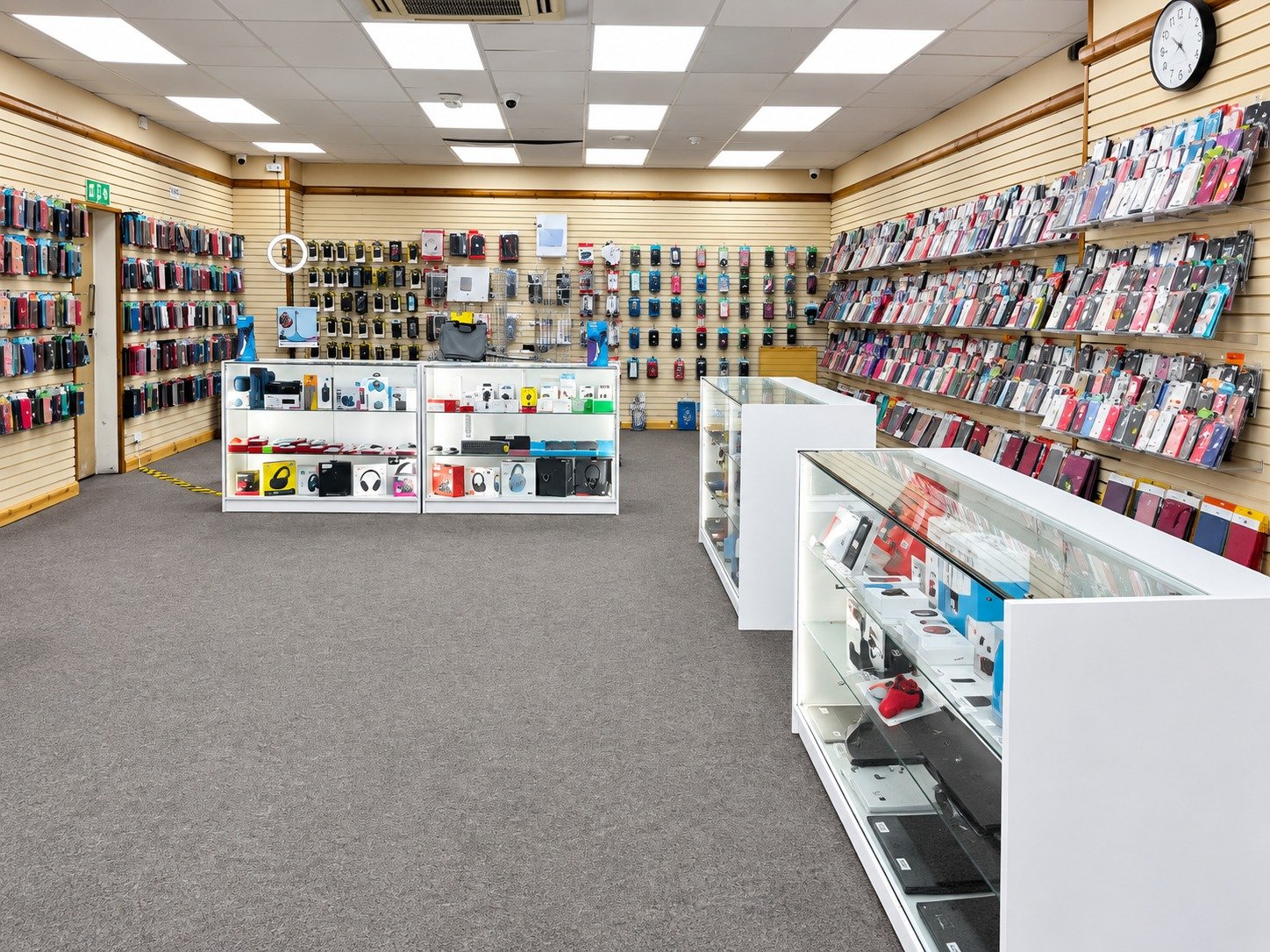
Your next step starts on Great Darkgate Street.
Send the details online, or contact Tech & Repairs before you come in.
Tech & Repairs18 Great Darkgate Street
Aberystwyth